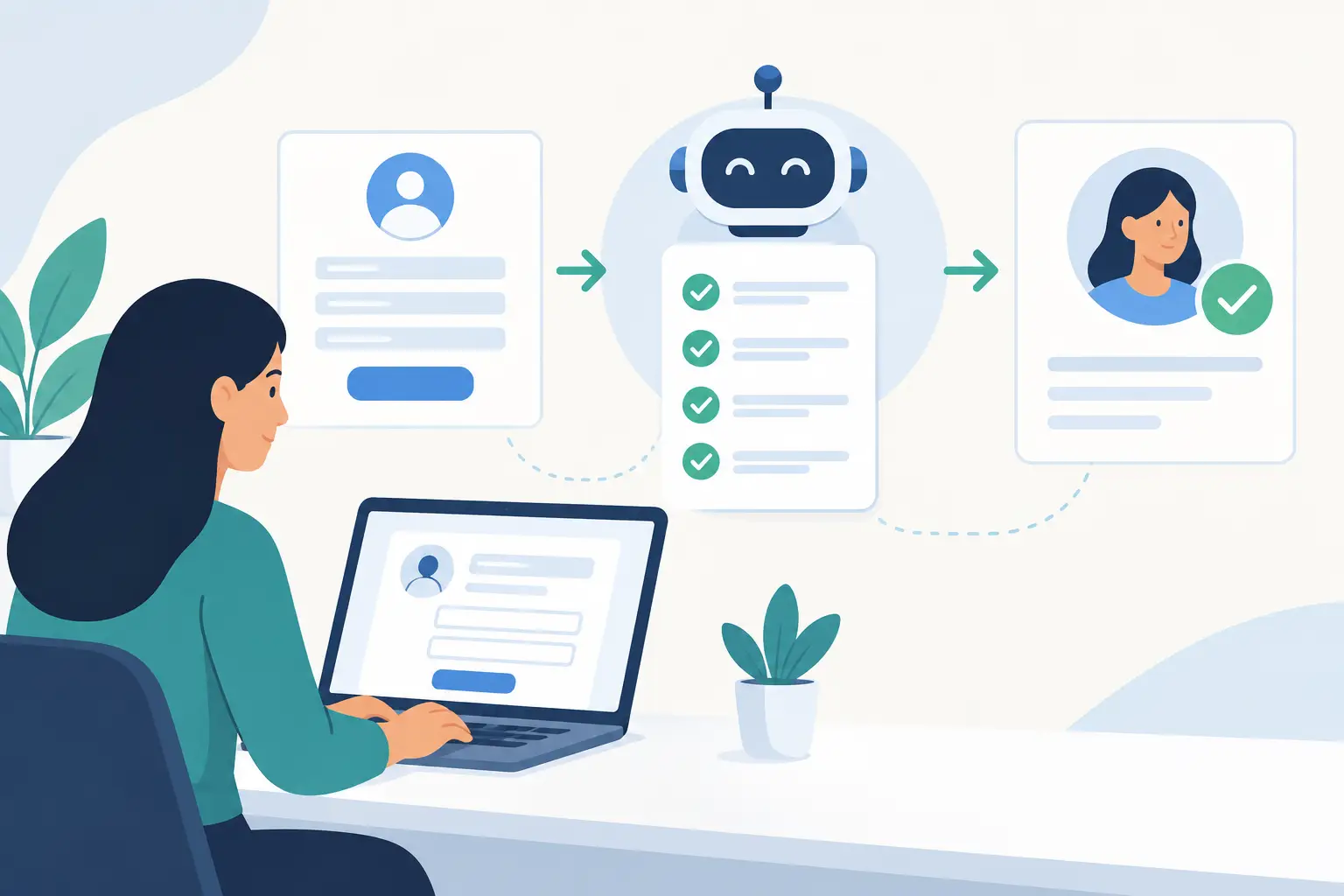
A new client has filled out a web form, sent an email with an attachment, and left a voicemail asking for an appointment. Someone now needs to read each message, create a record, check for missing details, notify the right person, and follow up. That is exactly where businesses lose time and prospects lose confidence. When you automate client intake process work, the goal is not to remove people from the relationship. It is to stop making them copy the same information between inboxes, spreadsheets, calendars, and line-of-business software.
For a law office, intake may mean conflict checks and signed engagement letters. For a contractor, it may mean site details, job photos, estimates, and scheduling. For an accounting firm, it may mean collecting records before a discovery call. The process differs, but the operational problem is familiar: a promising inquiry arrives, then gets stuck in an email thread or waits for the one employee who knows what happens next.
What a Good Automated Intake Process Actually Does
A useful intake workflow gives every new inquiry a clear path. It captures information once, confirms receipt, checks whether the request is complete, routes it to the right person, and creates the necessary records in the systems your team already uses. Where a decision requires judgment, it flags the case for a staff member rather than pretending software can make the call.
That distinction matters. Fully automatic is not always better. A high-value client, an unusual request, or a matter involving sensitive information may need a person to review it before anything is scheduled or sent. Automation should handle the predictable work around that review: gathering details, preparing a file, sending reminders, and making sure no handoff disappears.
The result is simpler for clients as well. They receive a timely acknowledgment, know what information is needed, and do not have to repeat their story to three different people.
Start With the Friction, Not the Software
Before selecting forms, AI tools, or integrations, follow one recent inquiry from first contact to active client. Ask the staff who do the work where they have to retype, search, wait, or chase an answer. The process on paper is often not the process people actually follow at 4:45 on a busy Friday.
Document the entry points. Clients may come through a website form, a shared inbox, a phone call, a referral, a walk-in, or a request submitted by a sales representative. Then identify the minimum information needed to take the next step. Collecting every possible detail upfront can lower completion rates, especially on a phone. Collecting too little simply pushes the administrative work downstream.
For most organizations, the first intake stage needs a name, reliable contact details, the service requested, source of the inquiry, and enough context to assign the request. Industry-specific requirements can follow. A construction company may need an address and project type. A legal practice may need names for a conflict check. A nonprofit may need eligibility information before booking an appointment.
Also identify the exceptions. What happens when a client is outside your service area, when the request is urgent, when a required document is missing, or when someone submits the same request twice? Those are not edge cases to ignore. They are the moments when an intake process proves whether it helps staff or creates more cleanup.
How to Automate Client Intake Process in Stages
The safest approach is to automate the handoffs that cause the most delay, then expand after the team trusts the result. A practical first version often has five connected actions:
- Capture the inquiry from an approved form, shared mailbox, or staff request.
- Create or update the client record without producing duplicates.
- Send an immediate, plain-language acknowledgment with next steps.
- Route the request using rules your team can explain and change.
- Create a task, appointment option, or review queue for the accountable employee.
That may sound basic, but it removes a surprising amount of invisible payroll work. An office coordinator no longer has to copy contact details from an email into a CRM, then create a calendar reminder, then tell a department manager that a lead has arrived. The manager can receive a complete request with the source, notes, required documents, and due date already attached.
Once that foundation is working, add conditional steps. If a client selects a certain service, send the matching questionnaire. If an inquiry comes from a preferred referral partner, label it and notify the appropriate team. If a requested document is not received within two business days, send a reminder and keep the request visible to staff. If the information indicates an urgent issue, escalate it to a human immediately.
The right level of automation depends on volume and risk. A small accounting office receiving ten carefully qualified referrals a month may need a lighter workflow than a multi-location service business handling hundreds of web inquiries. Do not build a complicated approval chain just because the software can support one.
Connect the Systems People Already Use
Intake breaks down when information is captured in one tool and acted on in another. The website form may work, but staff still have to enter its contents into a CRM. The CRM may hold the client record, but scheduling happens in a separate calendar. Documents may live in a shared folder with naming rules known only to the person who set them up.
A better workflow connects those existing systems around a single, agreed-upon client record. It can create a folder using a consistent name, populate fields in the CRM or practice-management system, draft a follow-up email, and assign a task in the team’s usual workspace. Staff should not need to learn a new dashboard just to find out whether a new client has responded.
This is also where generic, off-the-shelf automation can disappoint. A template may look fine in a demo but fail when your process includes Windows applications, shared drives, custom fields, approval rules, or older business software. The useful question is not, “Does this app integrate?” It is, “Can it follow our actual procedure, including the exceptions?”
Meet Gwen is built for that practical work: connecting to the systems a business already relies on, following company-specific procedures, and escalating to a real local team when a workflow needs attention. Nothing outsourced, nothing off the shelf.
Build Human Review Into Sensitive Moments
Client intake often involves personal, financial, legal, health, or commercially sensitive information. Automation should reduce unnecessary exposure, not scatter data across more tools.
Set clear access rules before you launch. Decide which roles can view new inquiries, who can change client records, where attachments are stored, and how long incomplete submissions should be retained. Avoid sending detailed confidential information through broad email notifications. A notification can tell the assigned employee that a request is ready for review without repeating every private detail.
Human review is especially valuable for identity verification, eligibility decisions, conflict checks, unusual pricing requests, and anything that may create a contractual obligation. An automated message can acknowledge receipt. It should not promise a service, quote a binding price, or approve a client when company policy requires review.
Make escalation visible. If a form fails, an integration cannot create a record, or an inquiry has not been reviewed by its target time, someone needs an alert and a clear owner. Silent failures are worse than a manual process because they create false confidence.
Measure the Work You Stop Doing
The easiest metric to track is response time: how long it takes for a new inquiry to receive a meaningful acknowledgment or reach the right employee. But speed alone can hide problems. Track completion rate, incomplete submissions, duplicate records, no-shows, and the number of staff touches required before a client is ready for the next stage.
Ask a more practical question each month: where are people still retyping information or asking clients for details they already provided? That is usually the next automation opportunity.
You should also review quality. Are requests being routed correctly? Are clients receiving the right instructions? Are staff overriding the workflow for valid reasons? Overrides are not necessarily failures. They may show that your original rules were too rigid or that a process needs an exception path.
Give Staff a Process They Can Trust
The best intake automation is not flashy. It is the one your receptionist, coordinator, and department manager trust during a busy day. They know where a new request goes, what happens if information is missing, and who to call when something looks wrong.
Start with one intake path that is creating real friction right now. Bring the people who handle it into the design, test it using actual scenarios, and keep a human accountable for the exceptions. When the work feels easier for staff and clearer for clients, you have a process worth expanding.
