A staff member copies a customer address from an email into a spreadsheet, then into accounting software, then into a work order. Another employee checks three inboxes to confirm an appointment. By Friday, someone is still assembling a report from systems that should have shared the information in the first place.
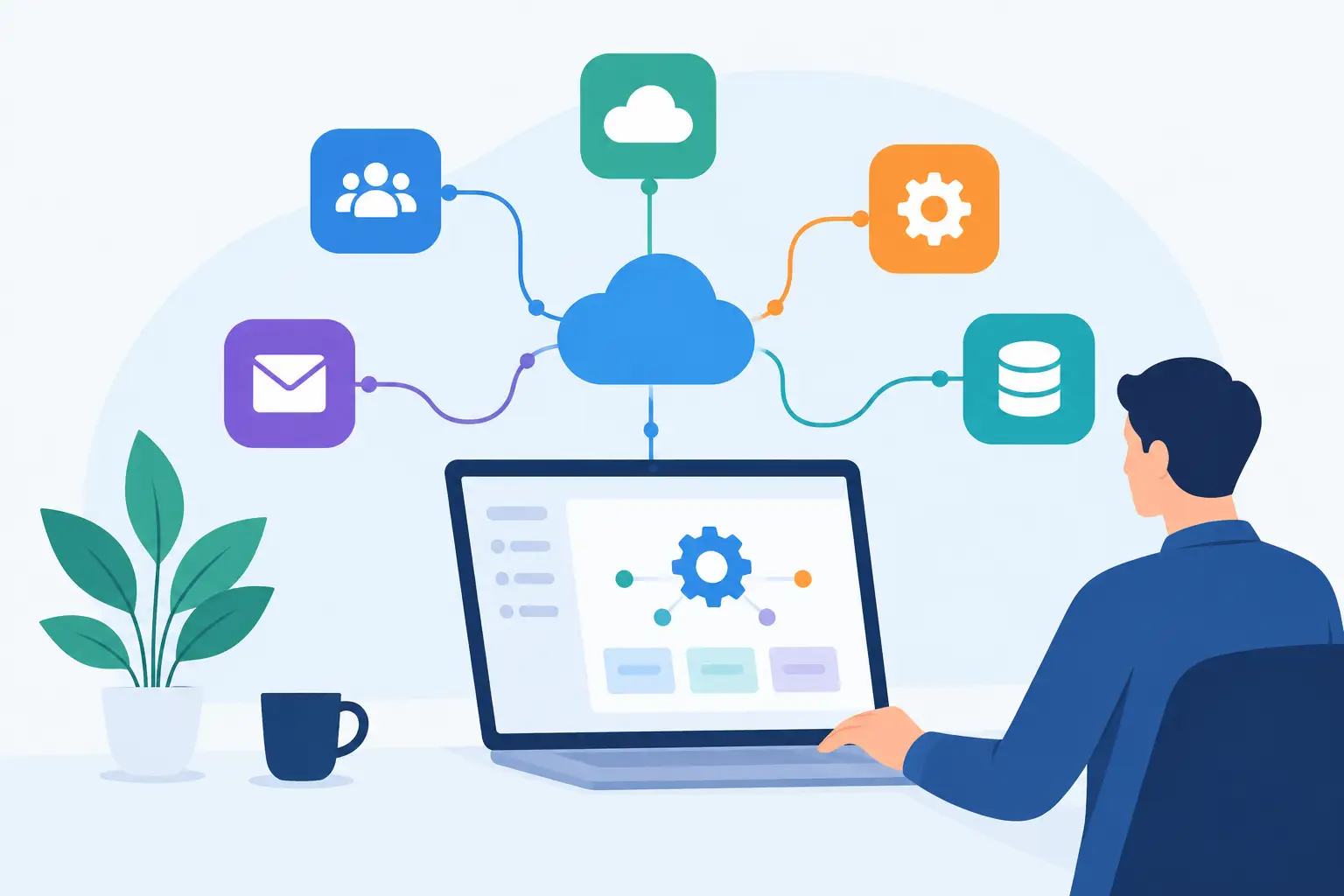
That is where business software integration services earn their keep. The goal is not to replace every system your company uses. It is to make the systems you already rely on work together in a way that matches how your team actually works.
For small and mid-sized businesses, the cost of disconnected software is rarely obvious on one invoice. It shows up in payroll hours, delayed replies, duplicate records, missed follow-ups, and people spending their best time acting as the bridge between applications.
What business software integration services actually do
Integration connects two or more business systems so information can move, trigger an action, or be presented in one useful place. That might mean sending a completed web form into a customer database, creating a task when an invoice becomes overdue, or pulling job data into a weekly operations report.
The useful part is not the connection itself. It is the business rule behind it.
A construction company may want a signed change order to notify the project manager, update the job record, and alert accounting before work continues. A law office may need new client details captured once, then routed to the right matter, intake checklist, and calendar. A nonprofit may want donor information checked for duplicates before it reaches a fundraising system.
Each example sounds simple until it meets real working conditions: incomplete forms, exceptions, approval steps, different staff permissions, outdated records, and the occasional printer, password, or network problem that stops the process cold. Good integration work accounts for those conditions instead of assuming every request will arrive perfectly formatted.
Start with the handoffs that waste real time
Most businesses do not need a grand technology overhaul. They need relief from the repetitive handoffs that staff have learned to tolerate.
Begin by looking for work that is repeated frequently, follows recognizable rules, and moves between more than one system. Common examples include entering leads from email into a CRM, moving approved hours into payroll, preparing reports from accounting and operations data, creating folders for new clients, and following up on appointments that were booked but not confirmed.
The best first project is usually not the most ambitious one. It is the one with a clear owner, a known process, and a measurable irritation. If an office manager spends five hours every week collecting updates for a status report, that is a better starting point than a vague plan to “automate administration.”
Ask a few plain questions:
- Where does someone retype information that already exists elsewhere?
- Which inboxes or spreadsheets must be checked every day?
- What requests regularly wait because they need one person to notice them?
- Which reports take too long because data is scattered?
- Where do mistakes create customer delays, billing issues, or extra cleanup?
These questions uncover the work that integration can reduce without asking employees to abandon the tools they know.
Integration should follow your process, not force a new one
Off-the-shelf connectors can be useful for straightforward tasks. They can also become a problem when the connector cannot handle the exceptions that make your business different. A workflow that looks simple on a diagram may have approval rules, naming conventions, client-specific requirements, or privacy restrictions that generic automation does not understand.
That is why discovery matters. Before connecting software, someone needs to map what happens now, who owns each decision, what data can move, and where a human should remain in control.
For example, it may be appropriate for a system to draft a client follow-up email when a quote is overdue. It may not be appropriate for it to send that message automatically when the account manager is already handling a sensitive negotiation. The right design can prepare the draft, attach the relevant job details, and put it in front of the right person for review.
The same applies to data quality. Integration can spread bad information faster if there are no checks in place. A reliable workflow validates required fields, flags duplicates, records what happened, and gives staff a clear way to correct exceptions.
What a practical integration project looks like
A workable project starts with one business outcome, not a collection of software features. The desired result might be faster ticket resolution, fewer missed bookings, less time spent building reports, or cleaner customer records.
From there, the work usually follows a clear path.
Map the current process
Document the trigger, the people involved, the systems touched, and the decision points. This does not need to be a pile of slides. A real conversation with the people doing the work often reveals more than a process chart created from memory.
Define the rules and exceptions
Decide what should happen automatically, what needs approval, and what happens when data is missing or a connected system is unavailable. This is where many rushed projects fail. The happy path is only part of the job.
Build and test with real examples
Testing should use realistic records, not just sample names and perfect data. Can the workflow handle an address with missing fields, two contacts with similar names, an urgent request after business hours, or a canceled appointment? These details determine whether staff trust the result.
Launch with visibility and support
Employees need to know what changed, what they are still responsible for, and who to call when something does not look right. Monitoring is not optional. A workflow needs logs, alerts, and ownership so an issue is found before it becomes a week of manual repair.
Where AI assistance fits
Traditional integrations move structured information between systems. AI assistance can add value when work begins with ordinary language, unstructured emails, documents, or questions from staff.
An employee might ask, “What is the status of the Westside proposal?” rather than searching through a shared drive, CRM, and email thread. An assistant can gather the relevant information, prepare a response, or create the next task based on your rules. It can also help draft meeting notes, extract information from forms, assemble reports, and route requests to the right team.
The trade-off is that AI should not be treated as an unchecked decision-maker. It works best when it has defined sources, clear permissions, practical guardrails, and a person available for escalation. A system that can draft, sort, summarize, and prepare work can save substantial time. A system that quietly makes financial, legal, hiring, or client commitments without review creates unnecessary risk.
Meet Gwen takes this managed approach by combining natural-language assistance with custom workflow development and direct technician support. The point is not to give staff another dashboard to learn. It is to let them ask for help in ordinary terms while the underlying work follows the company’s systems and standards.
Security, privacy, and accountability are part of the build
Business data is not just another file to pass through an automation tool. Customer records, financial information, employee details, legal documents, and operational data require deliberate handling.
Before a workflow goes live, establish which data it can access, who can initiate actions, where records are stored, and how access is reviewed. Consider retention requirements and whether a vendor’s infrastructure, support model, and escalation process meet your organization’s obligations. This matters especially in regulated industries, but it is sensible for every business.
There is also a practical support question: when an integration stops working, who owns the fix? If a connection depends on multiple software vendors and a generic automation platform, employees can end up caught between support teams. A managed provider with in-house integration development and a real local team to call provides a clearer path when something needs attention.
Measure the result in hours, errors, and response time
The strongest integration projects have a before-and-after measure. Track the hours spent on the task, the number of manual touches, the error rate, response time, and any backlog that was reduced. If the workflow supports customer service, measure whether customers receive faster and more consistent follow-up.
Do not expect every benefit to appear as a direct headcount reduction. Often the better outcome is that capable employees stop chasing routine updates and have time for customers, projects, and work that requires judgment. That is still a meaningful return.
Start with the handoff your team complains about most. Bring the real emails, spreadsheets, forms, and exceptions to the conversation. The right integration should feel less like a technology project and more like finally removing a daily chore that never belonged on someone’s desk.
