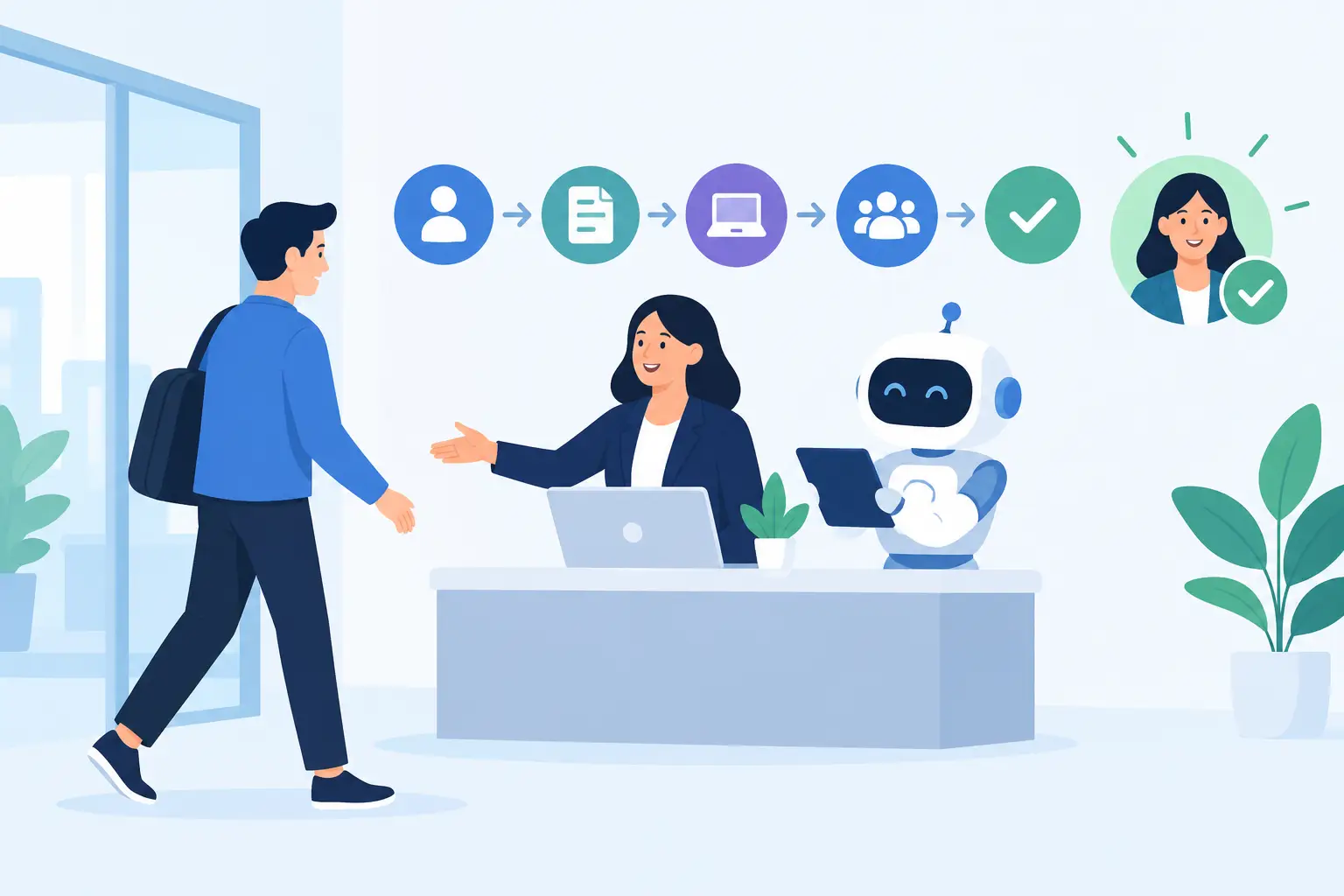
A new employee is scheduled to start Monday. By Friday afternoon, someone is still chasing a laptop request, another person is looking for the right offer-letter template, and the manager has not received a reminder to build a first-week plan. That is the real reason to learn how to automate employee onboarding. The goal is not to make a new hire feel like a ticket number. It is to make sure the routine work happens reliably, so people can focus on the welcome, training, and conversations that matter.
For small and mid-sized organizations, onboarding often crosses HR, IT, payroll, facilities, department managers, and finance. Each team may use a different inbox, spreadsheet, or business system. Automation brings those handoffs into a clear process without asking staff to learn another complicated portal.
Start with the onboarding work that gets missed
Do not begin by automating every item on a long checklist. Start with the tasks that are repetitive, time-sensitive, and easy to forget when someone is busy. Think about the work that creates a poor first-day experience: no working email account, missing system permissions, an unprepared desk, incomplete payroll paperwork, or no one assigned to greet the new employee.
Map the process from the moment a candidate accepts the offer through the first 30 days. Ask the people who actually complete the work what they do, where they receive the request, what information they need, and what usually causes delays. A workflow written only by leadership can look tidy while missing the steps an office coordinator or IT technician handles every week.
The trigger should be simple. In many organizations, it is an HR staff member entering a new hire into the HR system or submitting a short intake request. That request should collect only the details needed to start the workflow: start date, department, manager, location, employment type, equipment needs, required applications, and any special access requirements.
Too little information creates a stream of follow-up emails. Too much information makes the intake form so burdensome that people work around it. The right balance depends on your business. A construction company may need site, safety orientation, and vehicle details. A law office may need matter-management access and confidentiality acknowledgments. There is no useful one-size-fits-all template here.
How to automate employee onboarding step by step
A practical onboarding automation has one source of truth, clear owners, and visible exceptions. It does not have to replace every system you already use. In fact, the best setup usually connects the systems staff already rely on.
1. Turn the new-hire notice into a controlled request
When HR confirms a hire, the workflow should create an onboarding record and route the necessary details to the right teams. It can assign an owner, set due dates based on the start date, and prevent the request from disappearing in a shared mailbox.
This is also the point to build in approvals. For example, a manager may request access to accounting software, but finance or IT should approve that level of access before an account is created. Automation can move the request quickly without bypassing the controls that protect your business.
2. Create IT tasks from role and location
Most onboarding frustration is not caused by complicated technology. It comes from basic items arriving late: a laptop that has not been prepared, a password setup message sent to the wrong place, or an employee who cannot access the shared drive needed to do their job.
Use the employee's role, department, and location to generate a standard IT task set. For a remote employee, that may include shipping equipment, setting up multi-factor authentication, and scheduling a short technology orientation. For an office-based employee, it may include workstation setup, printer access, badge coordination, and a phone extension.
Standard tasks should still allow exceptions. A new estimator may need specialized software. A seasonal worker may only need limited access. Automation should flag those differences early rather than forcing staff to undo overly broad permissions later.
3. Send documents, reminders, and training at the right time
New hires should not receive a single overwhelming email with 14 attachments and six different deadlines. Automation can stage communications. Send essential paperwork after the offer is accepted, practical first-day details a few days before the start date, and role-specific training during the first week.
The messages should come from a recognizable person or team, use plain language, and tell the employee where to ask for help. Automated does not need to mean impersonal. A scheduled note from the manager with first-day arrival instructions is far more useful than a generic welcome message with no next step.
For compliance or policy acknowledgments, record whether the document was delivered, opened, and completed. If a form is overdue, send a reminder and alert the appropriate owner. That gives HR a clear view of outstanding items without manually checking every file.
4. Give managers a first-week plan, not just a notification
Managers are often told a new employee is starting, then left to organize the actual experience on their own. A better workflow sends them a short, timed checklist: confirm the first-day schedule, assign a buddy, schedule introductory meetings, prepare role-specific training, and set a 30-day check-in.
These prompts matter because onboarding is not complete once the employee can log in. New hires need context, access to the right people, and a chance to ask questions before small problems turn into early frustration.
5. Track completion and escalate exceptions
A dashboard is useful only if it answers a practical question: is this person ready to start work? Track the status of critical items such as payroll setup, device readiness, core account access, required training, and manager preparation.
Set escalation rules for the items that cannot wait. If equipment has not been assigned two business days before the start date, notify IT and the hiring manager. If a required background check or policy form is incomplete, route it to HR for a decision. Not every exception should be solved by automation. Some require a person to assess the situation and act.
Keep people in the process where judgment matters
Employee onboarding involves private information, access rights, and individual circumstances. That is why fully hands-off automation is rarely the right target. The routine steps can be automated, while approvals, unusual requests, and sensitive employee questions remain with accountable staff.
Be especially careful with account provisioning. Build access around the principle of least privilege: give employees what they need for their role, no more. Review access after a role change or probationary period if that fits your policies. Automated account creation without good role definitions can spread permissions faster than it saves time.
Privacy deserves the same practical attention. Know where employee information is stored, who can see it, how long records are retained, and which systems receive the data. A workflow should not pass personal details through unnecessary tools simply because they are easy to connect. For businesses that need support, a real local team that understands the environment and can be called when something goes wrong is not a minor detail.
Measure whether the workflow is actually helping
The first measure is simple: are new employees ready on day one? But look beyond that. Track the percentage of onboarding tasks completed before the start date, the number of manual follow-ups per hire, the time IT spends on standard setup, overdue forms, and the number of access problems reported in the first week.
You can also ask new hires one direct question after their first two weeks: what made it harder to get started? Their answer may expose a gap no dashboard shows, such as confusing instructions, a missing introduction, or training scheduled too late.
If a workflow saves 20 minutes in one department but creates extra approval work in three others, adjust it. Good automation reduces handoffs and rework across the business, not just on one team's spreadsheet.
Build from one reliable workflow
You do not need a major systems project to improve onboarding. Start with the most painful point, such as IT setup requests arriving by email or managers forgetting first-week tasks. Prove the process, then add document reminders, training assignments, reporting, and role-based access steps as your team is ready.
Meet Gwen can support this kind of practical rollout by working with the systems and procedures your business already uses, rather than handing you generic software and a setup guide. The point is to remove repetitive work while keeping a human team available for the exceptions.
A good onboarding process should leave a new employee thinking, “They were ready for me.” That result comes from dependable details handled before the first handshake, not from more forms or another inbox to monitor.
