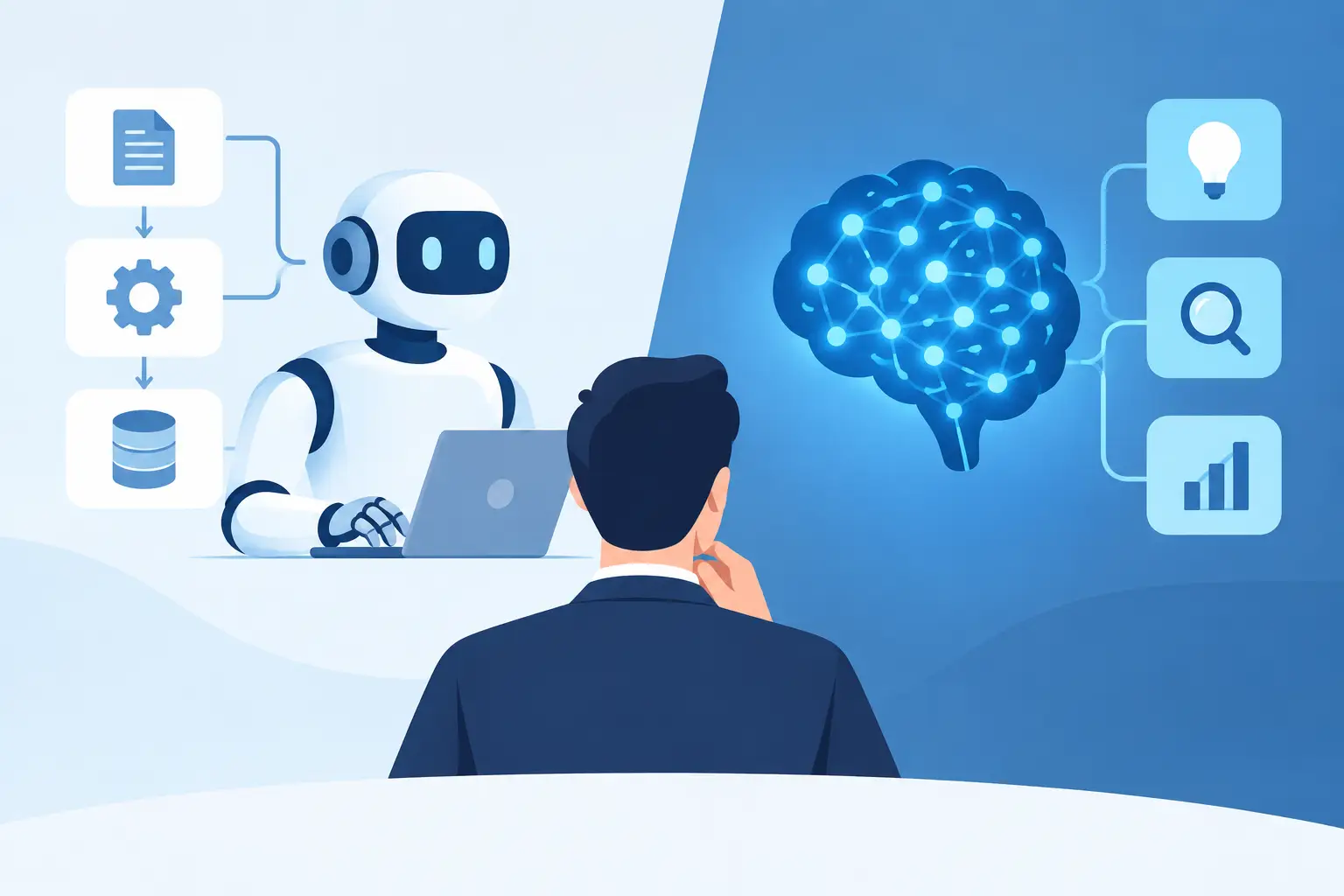
A staff member gets an email with a customer request, opens three systems, copies details into a spreadsheet, checks a calendar, sends a reply, and alerts a manager. The work may take 10 minutes. Repeated 20 times a day, it becomes a payroll problem. The RPA vs AI question matters because each technology handles that problem differently, and choosing the wrong one can leave your team with another tool to manage.
RPA is good at repeating defined steps. AI is good at interpreting information, responding in natural language, and dealing with variation. Most small and mid-sized businesses do not need a debate about futuristic technology. They need fewer manual handoffs, fewer missed follow-ups, and a clear answer when something does not go as planned.
What RPA Does Well
Robotic process automation, or RPA, uses software bots to carry out repeatable digital tasks. Think of it as a very fast employee following a precise checklist in a computer system.
If an invoice arrives in the same format, the bot can pull specific fields, enter them into accounting software, save the file in the right folder, and route it for approval. If a new employee needs standard accounts created, it can follow the same onboarding sequence every time. If a daily report requires data from several systems, it can collect the information on schedule and produce the report.
RPA works best when the process is stable and rule-based. It needs clear instructions: if this happens, do that. It is particularly useful for back-office tasks involving repetitive clicks, fixed forms, standard file names, and predictable data.
That reliability is a strength, but it is also the limitation. An RPA bot does not truly understand an email, a customer complaint, or an unusual request. If a vendor changes an invoice layout, a website button moves, or a staff member enters an unexpected value, the bot may stop or make an error. Someone still needs to monitor the process and correct exceptions.
What AI Does Differently
AI can work with less structured information. It can read an email, summarize a document, identify the intent behind a request, draft a response, and answer questions in ordinary language. Rather than requiring a staff member to find the right form or memorize the right steps, an AI assistant can start from a request such as, “Book a meeting with the project team next week and send the agenda from the last review.”
For an office manager, this can mean less time sorting inboxes and chasing details. For an operations lead, it can mean faster report preparation and clearer visibility into recurring issues. For IT contacts, it can mean employees getting help with password lockouts, access requests, printer issues, and routine questions before a ticket needs technician time.
AI is useful when the work involves judgment, language, documents, or requests that are similar but not identical. It can turn a lengthy meeting transcript into action items, prepare a first draft of a client letter, extract relevant details from varied documents, or classify incoming requests before sending them to the right person.
But AI also needs guardrails. It can misunderstand unclear instructions or produce an answer that sounds confident but needs review. It should not be given open-ended authority over sensitive financial, legal, HR, or operational decisions without approval steps. Good AI deployment is not about asking a chatbot to run the company. It is about defining where it can help, what information it can access, and when a person must take over.
RPA vs AI: The Practical Difference
The simplest way to think about RPA vs AI is this: RPA follows the map, while AI helps read the map when the route changes.
RPA is usually the better fit when the task has the same input, same steps, and same result. AI is usually the better fit when people spend time reading, interpreting, writing, searching, or deciding what should happen next. Many business processes need both.
Consider a construction company receiving site reports by email. AI can read reports submitted in different formats, identify safety concerns, pull out project references, and prepare a summary for review. Once the information is confirmed, RPA can enter standard fields into the project system, file the documents, and notify the right people.
Or consider a law office scheduling client appointments. AI can interpret an email request, identify preferred dates, draft a reply, and flag missing information. RPA can then create the calendar event, update a case record, and send a standard confirmation once the appointment is approved.
The best answer is rarely “AI everywhere” or “automate every click.” It depends on the work, the risk, and how often exceptions occur.
Start With the Work That Wastes Time
A useful automation project begins with a frustrating, measurable process. Do not start with a broad goal like “use AI.” Start with the task people complain about every week.
Look for work where staff repeatedly retype information between systems, assemble the same report, search email threads for status updates, or spend time routing requests that should reach the right person faster. These are often better starting points than complex, high-risk processes.
Ask four practical questions before choosing a solution:
- Is the task repeated often enough to justify automation?
- Are the steps fixed, or does the work require interpretation?
- What happens when information is missing or unusual?
- Who reviews the result before it affects a customer, payment, employee, or record?
The answers point toward RPA, AI, or a combined workflow. They also expose a common issue: a bad process does not become a good process just because software runs it faster. If approvals are unclear or data is scattered across personal inboxes, fix those basics before automating the handoff.
The Cost of Choosing the Wrong Tool
An RPA-only approach can become brittle when real work is messy. A bot built around a fixed screen layout may need attention every time a vendor portal changes. A rules-only workflow may send unusual customer requests into the wrong queue because it cannot understand context.
An AI-only approach can create a different problem. If it drafts responses without access to current company policies, it may give inconsistent advice. If it is connected to systems without carefully defined permissions, it can create unnecessary privacy and security exposure. If employees have to switch between several generic AI tools, the promised time savings can disappear into training, checking, and rework.
This is why implementation matters as much as the technology. Your assistant or automation should fit the systems your team already uses, reflect your actual procedures, and have a clear escalation path. When an employee needs human help, they should not be left arguing with a bot or submitting a request into a black hole.
A Managed Approach Works Better for Most Teams
Small and mid-sized organizations often do not have an internal automation team available to map processes, build integrations, test exceptions, maintain workflows, and support staff after launch. Buying a standalone software license does not solve that problem.
A managed assistant can combine AI capabilities with workflow automation and real technical support. Meet Gwen is designed around that practical model: employees make requests in plain language, while the service is configured around the organization’s systems, policies, and operating standards. The goal is not to replace every person or force a new interface on every department. It is to remove repetitive work and make it easier for staff to get the help they need.
The right setup may begin with one priority. That could be frontline IT support, appointment coordination, report assembly, document drafting, or data entry. Once that workflow is reliable, the organization can expand carefully into related tasks. This phased approach makes it easier to measure results, catch exceptions early, and build trust with the people doing the work.
What Success Should Look Like
Do not judge RPA or AI by how impressive a demonstration looks. Judge it by whether the Tuesday afternoon workload changes.
A successful project should reduce the number of touches required to complete a routine task. It should shorten response times without lowering accuracy. It should give managers better visibility into work that used to live in email, sticky notes, and individual memory. Most of all, it should give staff time back for customer service, problem-solving, and work that actually needs their experience.
Start with the process your team would be relieved to stop doing manually. The best technology choice is the one that handles that work reliably, keeps people in control when judgment is needed, and comes with a real team to call when the process changes.
