A staff member pastes a customer request into an AI chat tool. Another uploads a contract to summarize. Someone else asks it to help write a report. The work may be faster, but where did that information go? That is the practical question behind what is private AI hosting for a business.
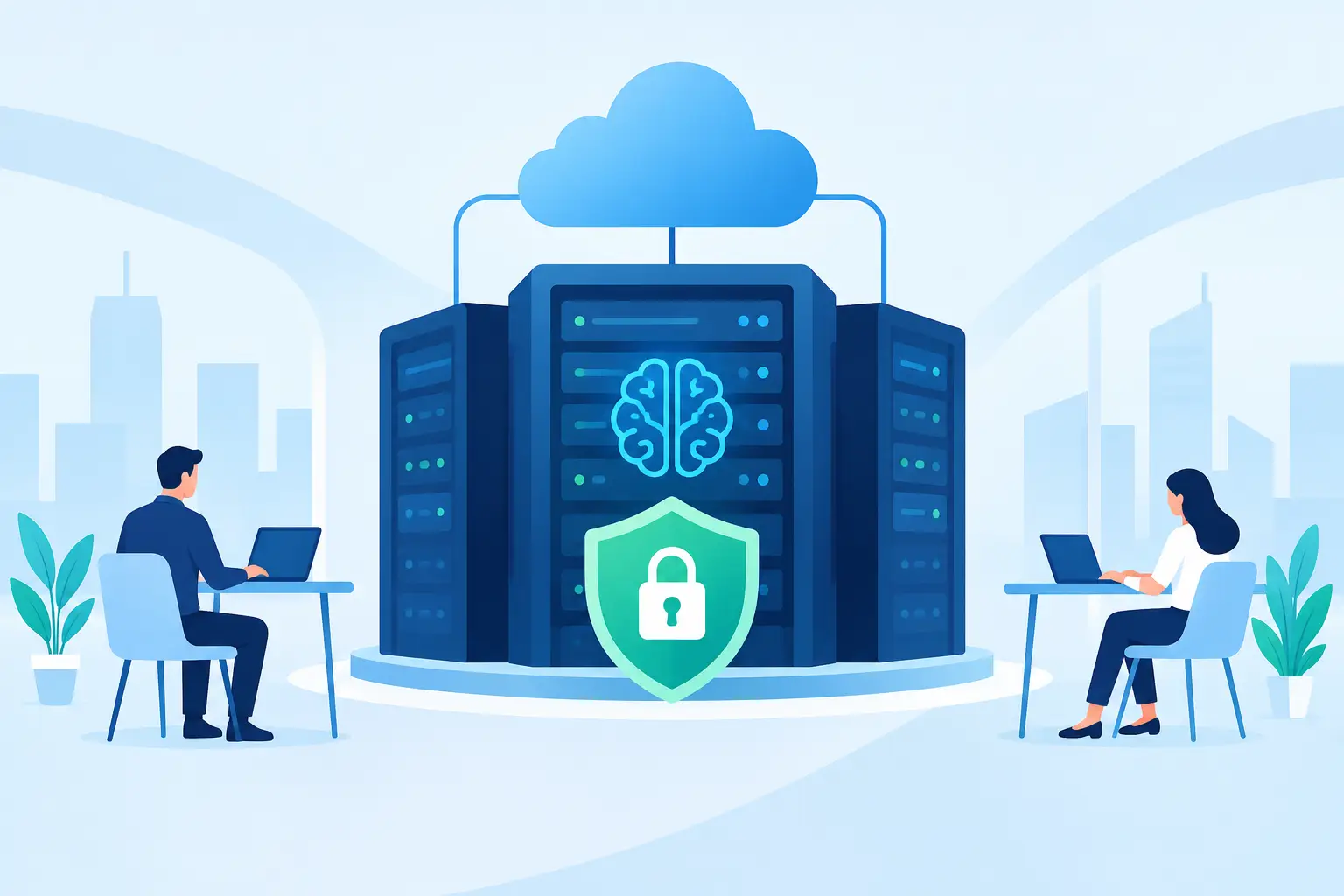
Private AI hosting means the AI system is run in an environment set aside for your organization, with defined controls over who can access it, where data is processed, and how it connects to your business systems. Instead of asking staff to use public, consumer-grade AI tools with unclear boundaries, the company provides an AI assistant inside an environment built around its own rules.
For a small or mid-sized business, this is not about buying a science project. It is about making useful automation available without treating customer records, pricing, payroll information, legal documents, or internal procedures as disposable.
What Is Private AI Hosting in Plain English?
Think of public AI as a shared office lobby. It can be useful, but it is not where you leave sensitive files on a desk. Private AI hosting is closer to giving your organization a controlled workspace with its own access rules, systems, and support process.
The word “private” can mean different things, so it is worth asking for specifics. In a properly designed setup, private hosting usually includes a dedicated or logically separated environment, role-based access, controlled data connections, activity logging, and rules for retaining or deleting information. It may also involve private networking and infrastructure located in a chosen region.
The goal is not to claim that technology makes risk disappear. The goal is to reduce unnecessary exposure and give the business a clear answer when someone asks where its information is going.
A privately hosted AI assistant can help with familiar work: preparing a first draft of a client email, finding the right internal procedure, assembling a weekly report, extracting information from a form, or creating a service ticket when an employee is locked out. The difference is that the assistant is configured to work within the company’s approved boundaries rather than operating as a disconnected public tool.
Why Public AI Tools Create Business Questions
Public AI tools are easy to start using because an employee can create an account in minutes. That convenience is also the problem. A business may have no visibility into which tools employees use, what they upload, whether the information is retained, or whether the answers reflect company policy.
That does not make every public AI tool unsafe or unusable. Some have business plans, contractual controls, and strong security options. But a free account used independently by staff is not the same as a managed business deployment.
For example, an accounting firm may want help organizing client document requests. A construction company may want an assistant to turn site notes into daily reports. A nonprofit may need meeting notes turned into action items without exposing donor details. In each case, the useful AI workflow needs access to real business context. That is exactly when governance matters.
Private hosting gives leaders a way to say yes to practical AI use without saying yes to uncontrolled data sharing.
How Private AI Hosting Works
The technical details vary, but the operating model is straightforward. The AI receives a request, uses only the information and systems it has been authorized to access, produces an answer or completes a workflow, and records enough activity for the business to manage the service responsibly.
A well-run private AI environment has several working parts:
- Access controls decide which employees can use the assistant and what they can see or do.
- Data boundaries define which documents, folders, databases, and connected tools the AI may use.
- Business rules guide the assistant on approved procedures, language, escalation paths, and actions it must not take.
- Human support handles exceptions, technical failures, and tasks that should not be automated.
The assistant does not need unrestricted access to everything. In fact, it should not have it. A scheduling assistant may need access to calendars but not payroll. A support assistant may need a knowledge base and ticketing system but not a folder full of legal files. The right design follows the same principle as giving a new employee access: enough to do the job, not enough to wander through the whole building.
Private AI Hosting Is Not Just a Server Choice
Some vendors use “private” to mean that the software runs on a dedicated server. That can be part of the answer, but it is not the complete answer.
If the AI is hosted privately but anyone can access it with a shared password, it is not well controlled. If it has access to every file in the company by default, it is not well scoped. If nobody can explain what happens when the AI gives a wrong answer or fails to complete a task, it is not ready for operational work.
Private AI hosting is as much about management as infrastructure. It requires clear permissions, documentation, ongoing maintenance, and a real escalation path. Businesses should know who supports the environment, who can make changes, and what happens after hours when a workflow fails.
This matters because AI can sound confident even when it is wrong. A good setup treats the assistant as a capable worker with guardrails, not as an unquestioned authority. For client communication, financial decisions, legal language, safety matters, and unusual requests, staff should remain responsible for review and approval.
Where Private AI Creates Everyday Value
The best first use cases are usually repetitive tasks with clear inputs and a known outcome. These are jobs staff already understand but spend too much time repeating.
An office manager might ask the assistant to prepare a follow-up list from meeting notes. A dispatcher might have it turn incoming emails into structured job details. A department lead might request a weekly status report drawn from approved data sources. An employee with a printer problem or password lockout might get immediate guided help, with a technician available when the issue needs hands-on attention.
These uses are valuable because they reduce handoffs. Staff do not need to copy information from an email into a spreadsheet, then into a ticket, then into a report. The assistant can handle the routine steps while people focus on judgment, customer relationships, and exceptions.
Meet Gwen applies this model to real Windows-based workplaces, combining AI assistance with local technical support and custom integrations. Nothing outsourced, nothing off the shelf. The useful part is not simply having an AI chat window. It is having an assistant that follows the way your business already works and has a real team behind it when it cannot solve the problem alone.
Questions to Ask Before Choosing a Provider
If a provider says its AI is private, ask direct questions. Where is the system hosted? Is your environment shared, logically separated, or dedicated? What information is retained, and for how long? Can prompts or documents be used to train other models? Who can access the administrative controls? How are permissions reviewed when an employee changes roles or leaves?
Also ask how the AI connects to your systems. A useful assistant may need access to Microsoft 365, a line-of-business application, a ticketing platform, shared folders, or a customer database. Each connection should have a clear purpose and the minimum permissions required.
Finally, ask what support looks like when the system gives an incomplete answer, misses a handoff, or needs a workflow changed. A generic help center is not the same as a local team that understands the setup. For operational businesses, accountability is not an extra feature. It is part of the service.
The Trade-Offs Are Real
Private AI hosting usually costs more than handing staff a free public AI account. It can take longer to configure because workflows, permissions, and integrations need to be tested. It may also be less flexible at first, especially if the business wants strict approval steps or limited access to sensitive information.
Those trade-offs are often reasonable. A tool that saves ten minutes but creates a privacy problem, a policy problem, or a reporting mess is not really saving time. The stronger approach is to start with one high-volume task, measure the result, and expand only when the process is working.
For some businesses, a secured business version of a cloud AI service is enough. For others, especially those handling sensitive records or requiring local oversight, a more tightly managed private environment makes better sense. The right answer depends on the data, the workflow, the industry, and the level of support the business expects.
Private AI hosting should make work feel less scattered, not more complicated. Start with the task your team repeats every day, define the information it truly needs, and make sure there is a person to call when the answer requires more than automation.
