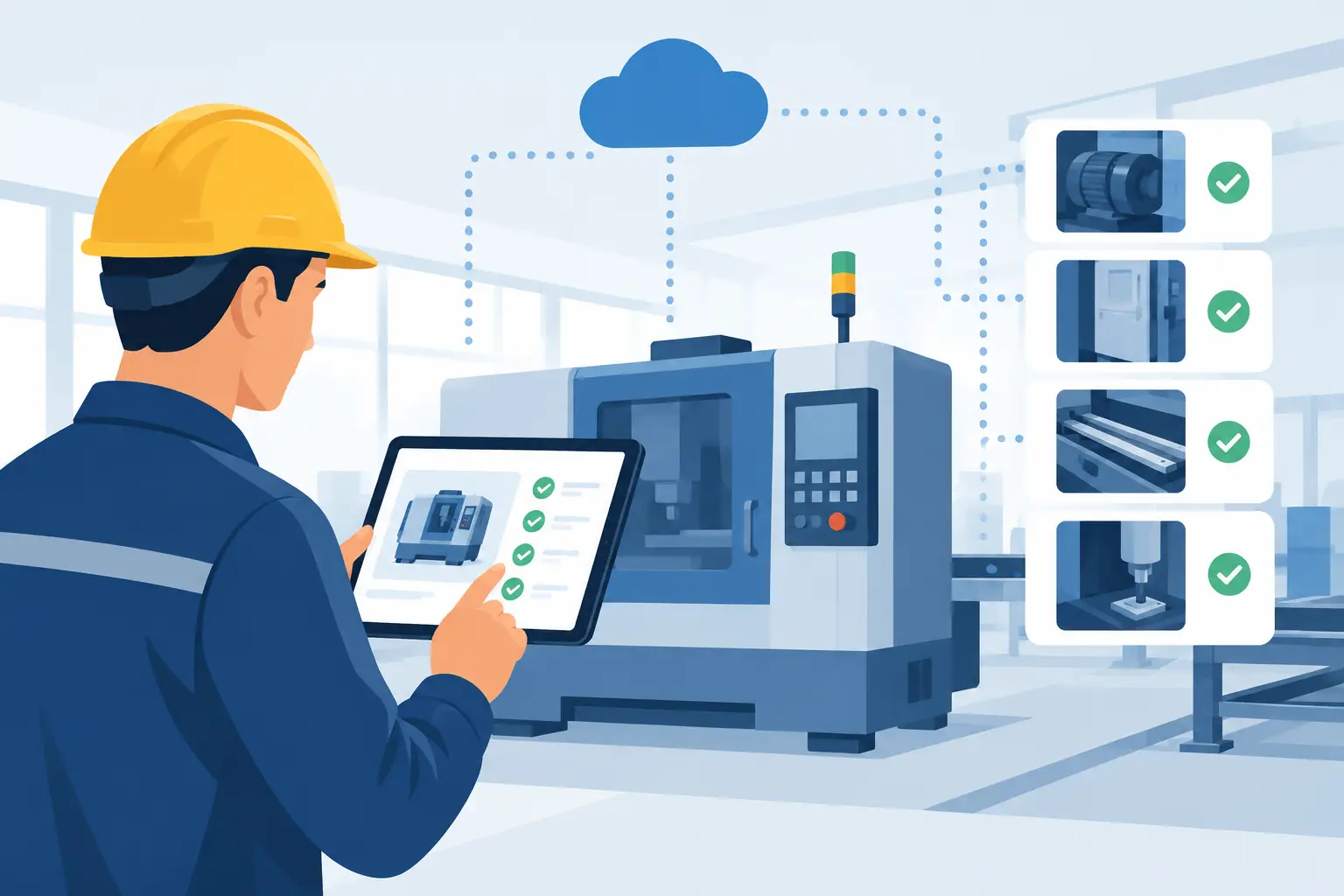
A missed forklift check, an overdue vehicle walk-around, or a boiler log completed from memory can become a safety issue, a service delay, or an expensive repair. The question of how to automate equipment inspections is not really about replacing the person doing the check. It is about making sure the right check happens on time, the result is recorded properly, and a problem reaches someone who can act on it.
For many businesses, inspection work still lives on paper clipboards, shared spreadsheets, text messages, and reminders that depend on one person remembering. That may work until a busy day, staff absence, or urgent callout gets in the way. Automation gives the process a dependable structure without making the job harder for the people in the field.
Start With the Inspection Process You Already Have
Do not begin by buying a new app or trying to automate every piece of equipment at once. Start with one inspection process that is frequent, important, and currently hard to track. A daily vehicle check, weekly machinery inspection, kitchen temperature log, safety equipment review, or rental asset return check are all practical places to begin.
Walk through the existing process from start to finish. Who is expected to complete the inspection? When does it need to happen? Where do they find the checklist? What evidence is required? Who reviews the result? Most importantly, what happens when something fails?
That last question exposes the weak points. A completed form is not useful if a failed brake-light check sits in an inbox for two days. Good automation treats an inspection as the start of a workflow, not the end of one.
Write down the rules that staff already follow, including the unwritten ones. For example, a warehouse supervisor may know that a forklift with a hydraulic leak must be taken out of service immediately, while a worn seat cover can wait for the next maintenance visit. Those two outcomes should not create the same alert or go to the same person.
How to Automate Equipment Inspections Step by Step
Build checklists around decisions, not paperwork
A digital checklist should be short enough to complete during real work and detailed enough to prove that the check occurred. Avoid copying every line from an old paper form if half the fields are never used. Ask clear questions that lead to an action: pass, fail, not applicable, or needs review.
For higher-risk equipment, require supporting evidence when a problem is found. That might be a photo, a serial number, a meter reading, a note describing the issue, or a signature. For routine checks, a time-stamped completion record may be enough.
The form should capture four things reliably:
- Which asset was inspected
- Who completed the inspection and when
- Whether each critical item passed or failed
- What follow-up was created for a failed item
If workers use company phones, tablets, or shared terminals, keep the experience simple. They should not need to hunt through folders or remember a complicated login sequence before starting a two-minute check.
Trigger inspections based on the real schedule
The simplest trigger is time-based: send a daily prompt at the beginning of a shift or a weekly reminder every Monday morning. But equipment inspections are often better tied to an event. A vehicle may need a check before dispatch. A piece of rental equipment may need one when it returns. A machine may require inspection after a set number of operating hours or after maintenance is completed.
Your system should recognize the difference. If an asset is out of service, sold, or undergoing repair, it should not keep generating missed-inspection notifications. If a shift changes, reminders should go to the person now responsible, not the employee who worked last week.
This is where connecting the inspection workflow to your scheduling, asset register, maintenance software, or dispatch system matters. Automation works best when it uses the data your business already maintains instead of asking staff to re-enter it.
Route failures immediately
A failed inspection needs a defined path. Depending on the issue, automation can send an alert to a supervisor, create a maintenance request, notify dispatch that an asset is unavailable, or assign a follow-up task with a due date.
The right response depends on the risk. A failed emergency stop test may require immediate escalation and a lockout instruction. A low tire-tread reading may create a maintenance ticket due within a defined window. The workflow should reflect your actual policies, not generic software defaults.
Set escalation rules for missing inspections, too. A reminder to the assigned employee may be enough shortly after a missed deadline. If the inspection is still incomplete by the next shift or before the equipment is used, the supervisor should know. The goal is accountability without flooding everyone with alerts.
Keep a clean record without creating extra admin work
Inspection records are often needed for safety reviews, customer requirements, insurance questions, audits, or internal maintenance planning. Automation can store completed forms in a consistent location, attach photos to the relevant asset, and assemble a report by date range, location, equipment type, or failure category.
That is more useful than a folder full of scanned sheets. When a manager asks whether the company completed all pre-trip inspections last month, the answer should not require someone to spend Friday afternoon opening PDFs.
It also helps to track repeat failures. If the same issue appears three times on the same equipment, the system can flag it for a broader review. Repeated checks with no corrective action are a warning sign that the process is recording problems rather than solving them.
Choose the Right Level of Automation
Not every inspection needs sensors, artificial intelligence, or a large asset-management implementation. In many small and midsized businesses, the biggest improvement comes from a mobile-friendly checklist, scheduled reminders, automatic filing, and clear issue routing.
Sensor data can be useful for equipment with measurable conditions such as temperature, pressure, run time, or location. But it does not replace visual checks or operator judgment. A sensor may show that a generator is running, while an employee notices an unusual vibration or damaged guard. Use technology to reduce repetitive administration, not to pretend that every safety decision can be made automatically.
There is also a trade-off between control and convenience. A highly detailed form can produce excellent records but may lead staff to rush through it if it takes too long. A very short checklist may be easy to complete but miss the details needed for a meaningful review. Test the process with the people doing the work and adjust based on real use.
Plan for Exceptions Before They Become Problems
Equipment inspections rarely happen under perfect conditions. A phone battery dies. A worker has no signal at a remote site. An asset tag is missing. A supervisor is away. Your workflow needs a practical fallback for each of these situations.
For example, staff may need an offline form that syncs later, a temporary asset identification process, or a backup person for urgent maintenance approvals. Define who can override a missed inspection and how that override is recorded. Otherwise, exceptions become informal workarounds that leave no trace.
Privacy and access matter as well. Inspection records may include employee names, customer-site details, photos, and maintenance history. Limit access based on role, retain records according to your business requirements, and make sure the systems involved fit your security standards. If your workflow crosses email, shared drives, scheduling tools, and maintenance software, ownership and support need to be clear when something breaks.
Measure Whether the Automation Is Actually Helping
After rollout, look beyond the number of submitted forms. A high completion rate is useful, but it does not prove that issues are being addressed. Track missed inspections, overdue corrective actions, repeat failures, time from defect report to response, and the hours staff spend compiling records.
Ask frontline employees whether the new process is faster or simply different. If people are still texting photos to a supervisor because the form is too slow, the workflow needs work. The best automation removes duplicate entry and uncertainty rather than adding another task to the day.
Meet Gwen can help businesses build these kinds of workflows around the tools they already use, with a real local team available when a process needs adjustment or a person needs to step in. Nothing should be off the shelf just because it is convenient for the software provider.
Start with one inspection that people routinely chase, file, or follow up on by hand. Once that workflow reliably captures the check, escalates the problem, and keeps the record, expanding to the next one becomes a practical operational improvement rather than a technology project.
