A workflow can look great in a demo and still create headaches six months later. A staff member changes roles, a form gets updated, a vendor changes an API, or someone adds a new approval step. Suddenly, invoices stop routing correctly or a report arrives with missing data. That is why the question of who maintains automation matters as much as deciding what to automate in the first place.
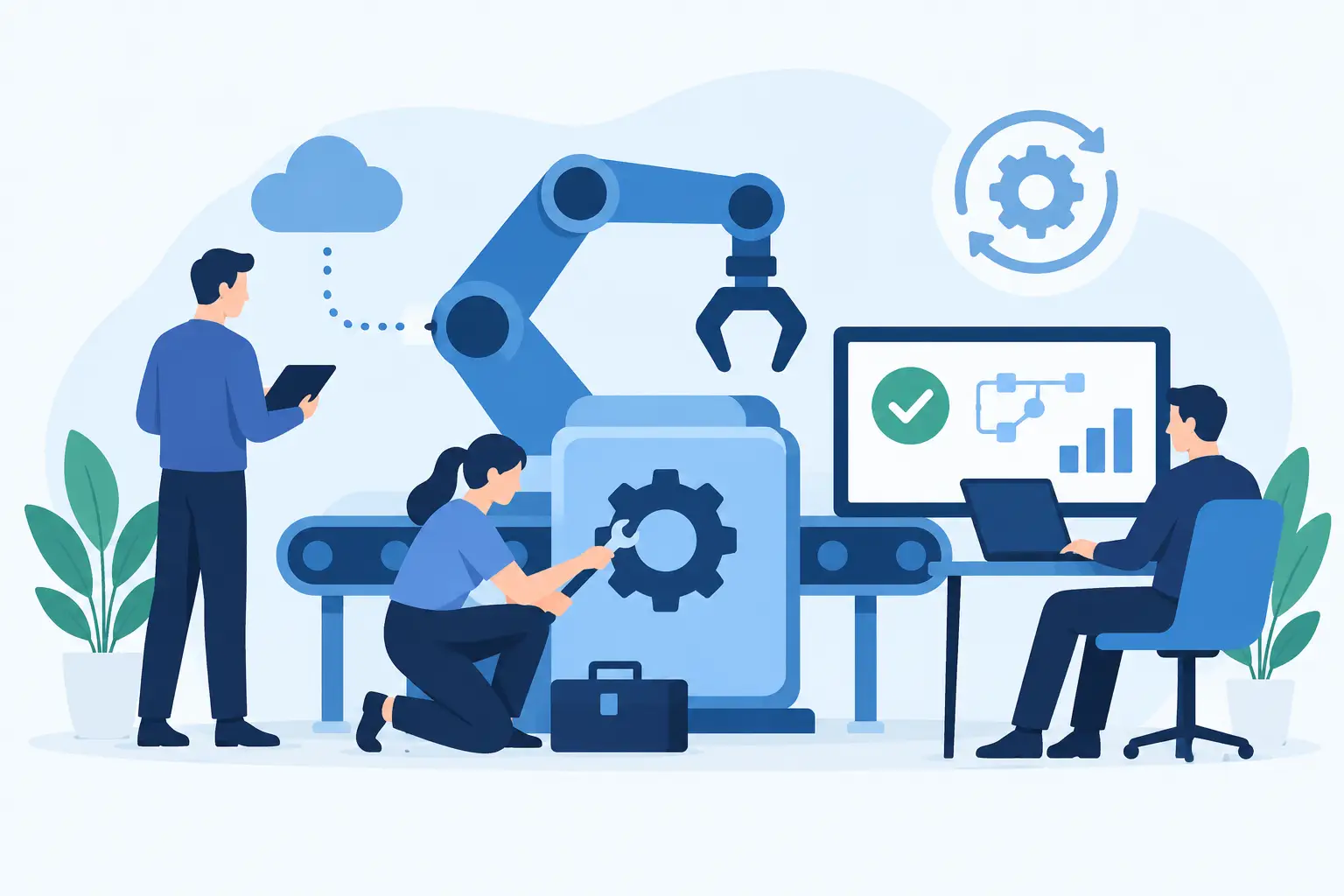
The short answer is shared ownership. Your business owns the process and the rules behind it. Your IT or automation partner owns the technical health, monitoring, fixes, and improvements that keep it working. When either side is unclear about their role, automation becomes another neglected system for staff to work around.
Who Maintains Automation? It Depends on the Setup
There is no single job title that should carry every maintenance task. The right owner depends on the kind of automation, the systems it touches, and the cost of failure.
A simple internal reminder, such as an email sent when a shared spreadsheet is updated, may be maintained by an office manager or department lead. That person knows when the reminder should go out, who should receive it, and whether the wording still makes sense.
A workflow that creates client records, moves financial data, sends documents for approval, or handles employee information needs more structure. It should have a named business owner and technical support behind it. The business owner confirms that the workflow still reflects how the company operates. The technical team makes sure credentials are current, integrations are connected, permissions are appropriate, and errors are caught before they become a pile of manual cleanup.
For small and mid-sized organizations, expecting one internal employee to do both jobs is often unrealistic. The office manager may understand every exception in a booking process, but they should not have to troubleshoot an expired software connection at 7:30 a.m. The IT contact may know the network and user accounts, but they may not know why a purchase request needs two approvals over a certain amount.
Good maintenance brings those two kinds of knowledge together.
The Business Owns the Process
Automation should follow a real operating process, not an imagined perfect one. That means someone inside the business needs authority to answer practical questions: What starts the workflow? What information is required? Who approves exceptions? What happens when a customer gives incomplete details? When should a person step in?
This is usually a department manager, operations lead, office manager, controller, or another person who deals with the work every week. They do not need to write code. They need to recognize when the workflow is no longer doing the job it was built to do.
For example, consider a construction company that automates job intake. A new request might create a folder, notify an estimator, add a task to a project board, and send an acknowledgment email. If the company begins requiring site photos before quoting, the business owner needs to flag that change. Otherwise, the automation will continue processing incomplete requests exactly as instructed.
The business owner should also be responsible for reviewing outcomes. Are requests being handled faster? Are staff still copying information between systems? Are approvals being skipped because the process is too awkward? Automation is not maintained just by keeping it online. It is maintained by checking that it still saves time without creating new work.
The Technical Team Owns Reliability
The technical side of maintenance is less visible, but it is where many do-it-yourself automations fail. Connections expire. Passwords change. Software providers update their systems. A new field in a form can break a report or send data to the wrong place.
A capable technical team watches for those changes and responds before staff lose a morning rebuilding information by hand. Their work includes monitoring failed runs, managing access, maintaining integrations, testing changes, documenting the workflow, and keeping a record of who can alter it.
This matters most when an automation touches several systems. A typical workflow may involve Microsoft 365, accounting software, a CRM, a shared drive, scheduling tools, and an industry-specific application. Each tool has its own permissions, updates, and limits. A fix in one place can cause trouble in another if no one checks the full chain.
That is why automation should not be treated like a one-time website project. Launch is the start of operational use, not the finish line.
What Ongoing Automation Maintenance Looks Like
Maintenance does not have to mean constant tinkering. Most healthy workflows need light, regular attention and a clear route for handling changes.
A practical maintenance plan usually covers four areas:
- Monitoring: Someone receives and reviews failure alerts instead of waiting for staff to report that a task did not happen.
- Change management: Process updates, new software, staff turnover, and revised policies are reviewed before they disrupt the workflow.
- Access and security: Former employees lose access, permissions remain appropriate, and sensitive data does not travel farther than necessary.
- Performance review: The business checks whether the automation is actually reducing retyping, delays, missed follow-ups, or payroll-heavy admin work.
The frequency depends on the workflow. A daily payroll-related process may need active monitoring and a fast support path. A quarterly report assembly task may only need a review before reporting season. The key is deciding this upfront rather than discovering the need after something breaks.
When Internal Teams Should Maintain Automation
Internal ownership can work well when the automation is simple, low risk, and built around tools your staff already understand. A marketing coordinator updating a basic email sequence or an HR lead maintaining a standard onboarding checklist may be perfectly reasonable.
It becomes less suitable when the workflow handles confidential information, affects billing, depends on multiple connected applications, or needs reliable after-hours operation. The hidden cost is not just the time to fix a problem. It is the interruption to the person expected to fix it. If the only employee who understands the workflow is on vacation, has left the company, or is busy with month-end, a small failure can become a business problem.
There is also a documentation issue. Many organizations have automations built by a helpful employee using an online tool and a company card. The workflow may be useful, but no one knows where the account is, which credentials it uses, or what happens if it stops. That is not a maintenance plan. It is a dependency on one person.
When Managed Support Makes More Sense
Managed automation support is a better fit when your company wants the benefits without turning staff into part-time system administrators. The model works especially well for organizations with a mix of recurring admin work, Windows-based business software, and processes that cross departments.
A managed provider can handle the technical foundation while your team stays focused on the actual work. Your staff can say, “This approval is taking too long,” or “We now need this report every Friday,” without needing to map the integration or edit a script themselves.
The trade-off is that a provider needs to understand your business before building anything meaningful. Generic templates may be quick to install, but they often fail when real-life exceptions appear. A useful partner asks how your staff work now, where handoffs fail, which rules cannot be compromised, and who needs to be notified when something goes wrong.
Meet Gwen is built around that managed model: a tailored assistant supported by a real local technical team. The aim is not to hand your staff another dashboard and wish them luck. It is to give them a practical way to request help while the underlying workflows, integrations, and support path are maintained by people who can be reached when needed.
Set Ownership Before You Build
The best time to answer who maintains automation is before the workflow goes live. Name a business owner, define the technical support contact, and agree on what counts as a change. A new employee, a revised form, a changed approval limit, or a software replacement should trigger a review.
Ask one simple question for every automated task: if this fails on a busy Monday morning, who notices, who fixes it, and who decides whether the process itself needs to change? If the answer is clear, the automation has a much better chance of becoming reliable, useful infrastructure rather than another forgotten tool.
Start with the task your staff complain about most. The right maintenance plan will make sure the time you save this month is still being saved next year.
