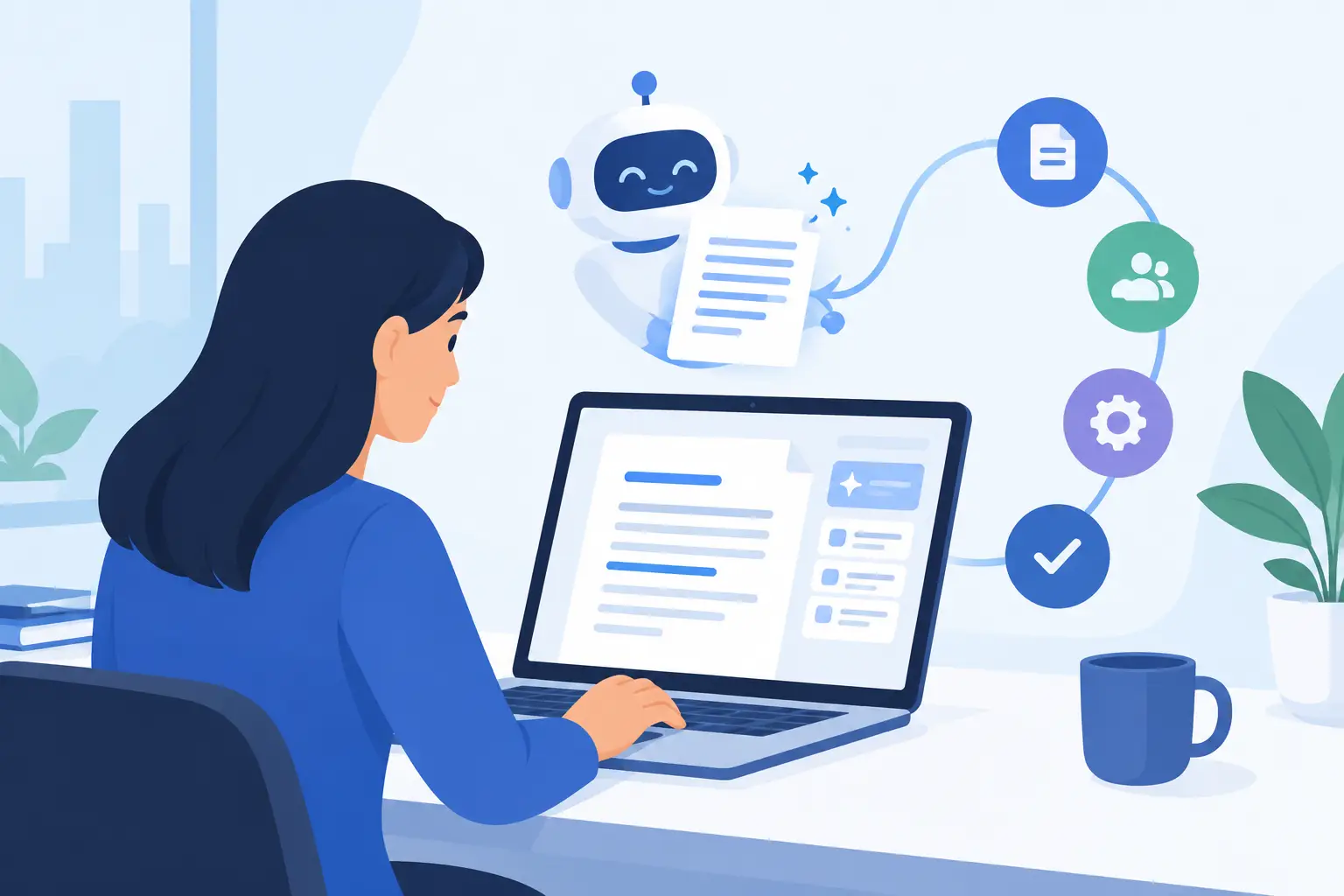
A proposal is due before lunch. The project manager has the details in email, the last version is saved somewhere in SharePoint, and someone still has to turn scattered notes into a document that sounds like your company wrote it. That is where AI document drafting software can earn its place - not by replacing judgment, but by removing the blank-page work that slows people down.
For small and mid-sized organizations, the question is not whether AI can generate a letter, report, or standard operating procedure. It can. The better question is whether it can produce a useful first draft using your terminology, your approved language, and your existing process without creating a new system for staff to manage.
What AI Document Drafting Software Should Actually Do
Good document drafting software starts with the work your team already repeats. It takes information from a request, an existing template, a customer record, a work order, or a set of meeting notes and prepares a draft for a person to review.
That might mean an office manager asks for a new employee welcome letter using the approved onboarding language. A construction coordinator turns site notes into a daily report. An accounting firm prepares a client follow-up based on completed work. A nonprofit drafts a grant update from program data and staff notes.
The useful part is not simply that the system writes quickly. It is that it follows a defined structure every time. Names, dates, job numbers, standard clauses, and next steps should be placed where they belong. The person reviewing the document should spend time checking facts and making decisions, not retyping information from three different places.
This is also where many generic AI tools fall short. A public chatbot may give you polished wording, but it does not automatically know which version of your service agreement is current, how your team names projects, or which approval language your organization requires. Those details matter when documents affect customers, staff, compliance, or payment.
Start With Documents That Waste the Most Time
Do not begin by trying to automate every document in the business. Start with one document type that is frequent, predictable, and annoying to assemble manually.
Common candidates include client follow-ups, quotes, incident reports, meeting summaries, employment letters, work orders, project updates, policy acknowledgments, and recurring management reports. These are often built from the same ingredients each time, even if the details change.
A practical test is simple: ask how many times staff copy information from one system into a document each week. Then ask how often someone has to chase a missing detail, correct a name, or find the latest template. If the answer is “all the time,” you have a strong place to start.
The first workflow should be narrow enough to test properly. For example, instead of “automate all proposals,” begin with “draft a standard proposal follow-up after a sales call.” Once the process is reliable, you can expand it to different proposal types, departments, or approval rules.
A first draft is not a final approval
AI should prepare documents, not quietly make business commitments on your behalf. Pricing, legal terms, personnel decisions, safety incidents, and customer-facing promises need a clear review process.
That does not reduce the value of the system. It makes the value real. If a coordinator can create a complete first draft in two minutes rather than twenty, a manager can focus on the few items that require experience and accountability. The goal is faster work with proper oversight, not automatic paperwork for its own sake.
What a Practical Setup Looks Like
The best implementations fit the way people already work. Staff should be able to make a request in ordinary language: “Prepare a follow-up email for the Smith project using today’s meeting notes,” or “Draft the monthly operations report from the attached spreadsheet.” They should not need to become prompt engineers or learn another complicated portal.
Behind that simple request, the setup needs real work. Someone must identify the right template, decide which systems supply the data, define required fields, and set rules for review and storage. A good provider will ask direct questions about your process rather than showing slides full of generic AI claims.
For a document workflow to be dependable, it should address four practical areas:
- Source information: Where do the names, dates, notes, job numbers, and supporting files come from?
- Approved language: Which templates, clauses, tone guidelines, and standard responses should the draft use?
- Review rules: Who checks the document, and which types require approval before they are sent or saved?
- Delivery and filing: Does the completed document go to email, a shared folder, a line-of-business system, or a client record?
These decisions prevent a drafting tool from becoming another isolated app. They also make it easier to troubleshoot when a document is incomplete, a template changes, or a staff member needs help.
Privacy, Accuracy, and Control Are Not Extras
Document drafting often involves information that should not be pasted into an open public tool. Client details, employee records, financial information, internal policies, and legal correspondence all need appropriate handling.
Before adopting any AI document drafting software, ask where information is processed, who can access it, how it is retained, and whether the provider can work within your security requirements. Also ask what happens when the system is unsure. A dependable workflow should flag missing information or ask a clarifying question rather than inventing a confident answer.
Accuracy is partly a technology issue, but it is also a process issue. If the source data is inconsistent, the document will reflect that inconsistency. If there are three versions of a policy in circulation, AI cannot reliably guess which one is approved. Cleaning up templates and defining a source of truth may take effort upfront, but it protects the quality of every future draft.
Access controls matter too. A front desk employee may need to draft appointment confirmations but should not be able to generate payroll letters. A project coordinator may need client-facing report templates but not HR documentation. The system should respect the roles your organization already uses.
Measure the Result in Hours, Not Hype
The right measure is not how impressive a demo sounds. It is whether the workflow gives time back to people who have better work to do.
Track the time required to prepare a document before and after implementation. Look at how often staff have to rework drafts, how many follow-ups are missed, and whether documents are being filed consistently. For customer-facing work, also watch turnaround time. A quote sent the same day can matter more than a quote that is slightly more polished but arrives two days later.
The gains are often cumulative. Saving ten minutes on a daily report does not sound dramatic until it becomes more than forty hours over a year for one person. Add recurring email drafts, meeting summaries, and client updates, and the payroll impact becomes easier to see.
Still, not every document should be automated. One-off strategic proposals, sensitive disciplinary correspondence, and complex legal documents may benefit from research or an outline, but they still need close professional judgment. The right boundary depends on the risk of getting the document wrong and the value of speeding up the first draft.
Choose Support That Knows Your Workplace
A tool is only as useful as the help available when it hits a real-world exception. Your team will eventually ask what happens when a printer-scanned form is unreadable, a template changes, a shared drive permission blocks access, or a required field is missing from the CRM.
That is why managed support matters. Meet Gwen is designed around ordinary workplace requests and backed by a real local team that can help configure workflows, connect systems, and step in when the process needs human attention. Nothing outsourced, nothing off the shelf.
The strongest document drafting setup does not force staff to work around technology. It gives them a faster way to do familiar work while keeping the people, rules, and systems that make the business accountable. Start with the document your team dreads creating most often, test it with real examples, and make the next workday easier from there.
